
01
Mounting on glass
See a compatible phone attached to the mount on a car window.

Hyper Real Mount
A magnetic phone mount that snaps on, adjusts to your angle, and moves from the car to your desk.
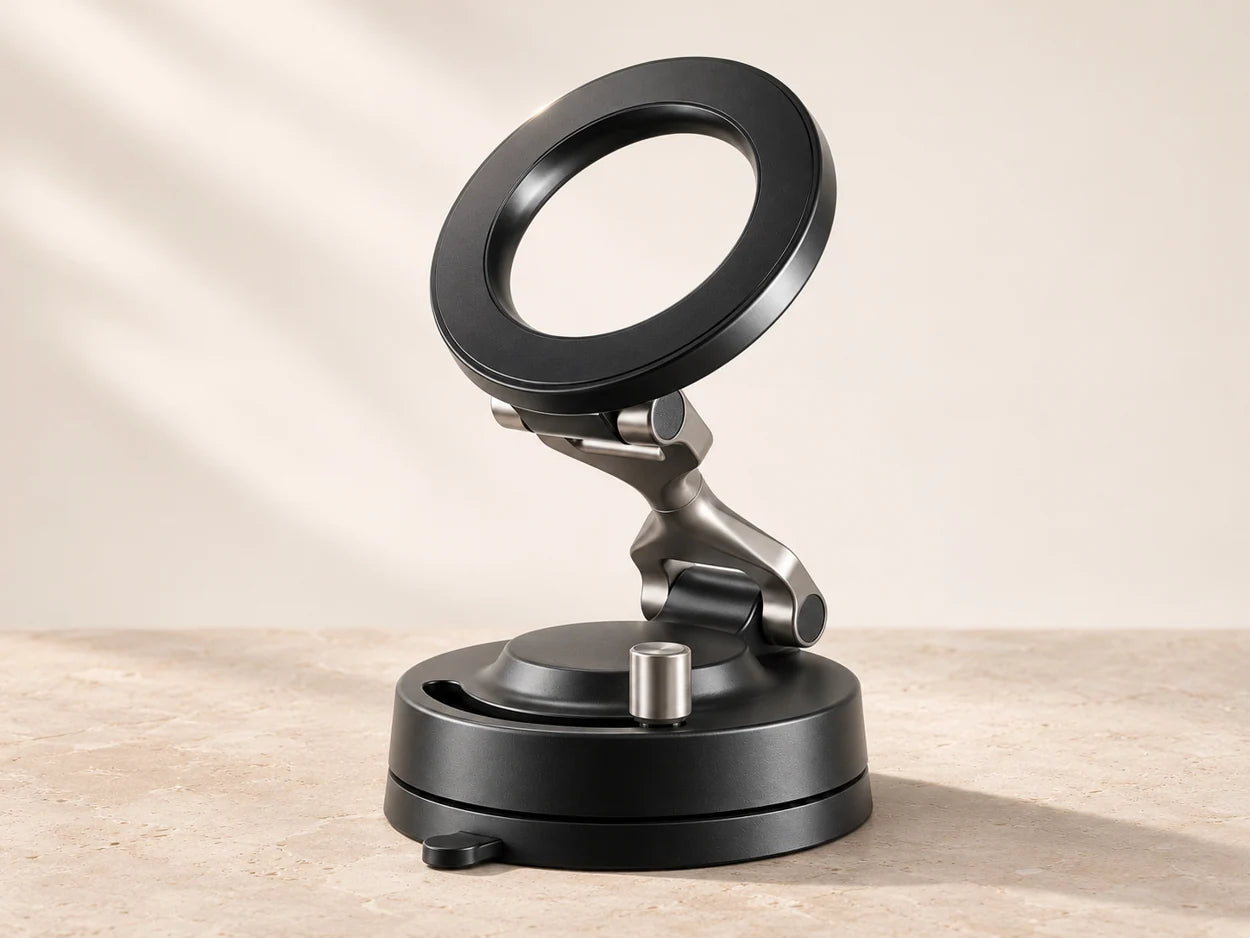
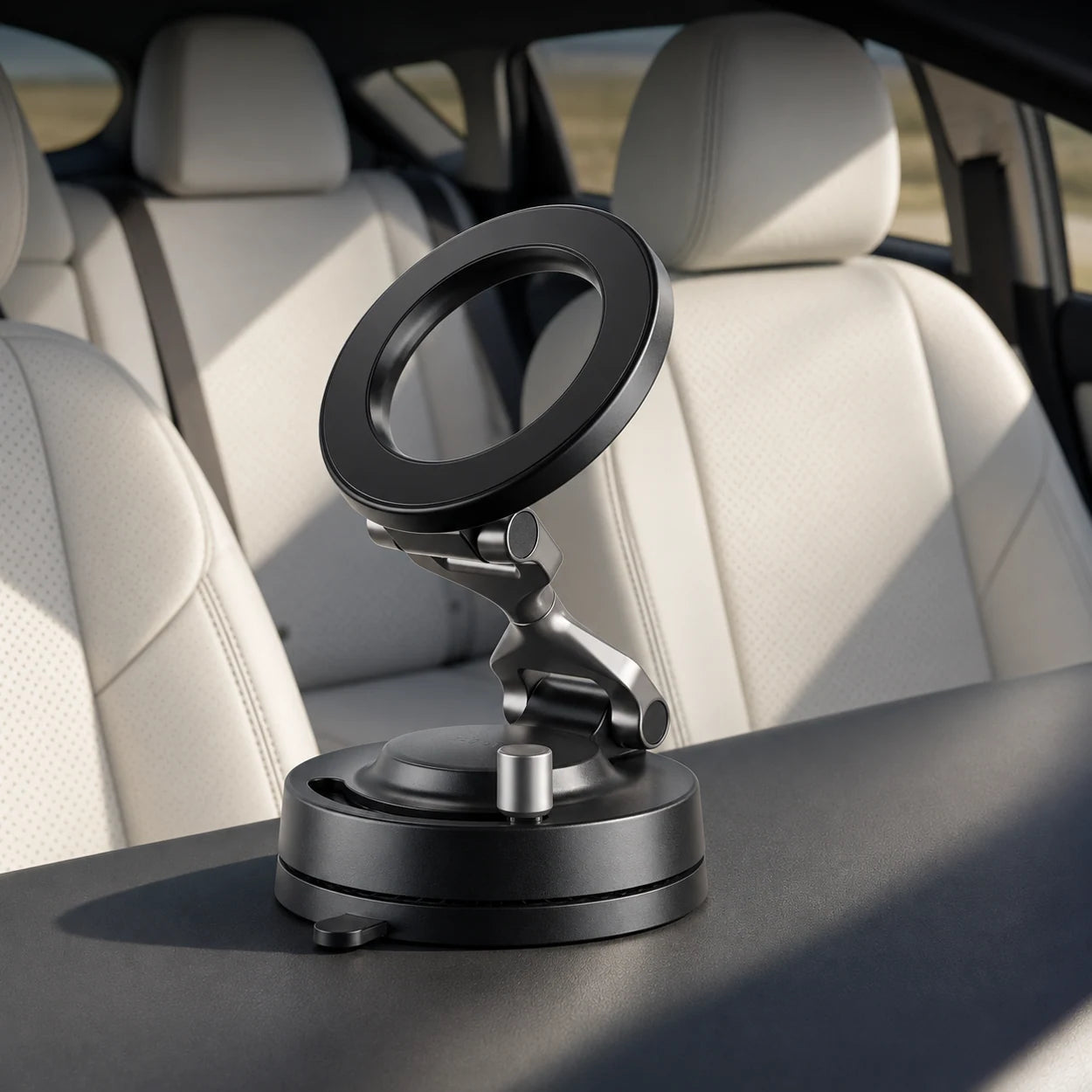
Magnetic phone mount
Snap your phone into place and set the angle you want. From your car to your desk, give your screen a spot of its own.
Use a phone or case with a compatible magnetic back. Thick or non-magnetic cases may prevent the mount from making proper contact.
Choose a clean, smooth, flat surface for the suction base. Textured or curved surfaces may prevent a seal.
Video showcase
Four different views of the mount in use. Videos start muted when in view. Tap a clip’s controls for sound.
Swipe to see all four demos.
See a compatible phone attached to the mount on a car window.
A close look at how the mount is positioned inside a vehicle.
Get a sense of the ring, arm, and base in someone’s hand.
Hear how a creator uses the mount. Turn sound on for the commentary.
The everyday upgrade
Give your phone a dedicated spot for a route in the car, a video call at your desk, or hands-free filming. The open magnetic ring lets you attach and remove a compatible phone without fiddling with side clamps.
See how it worksHow it works
Three steps from a bare surface to a phone positioned where you want it.
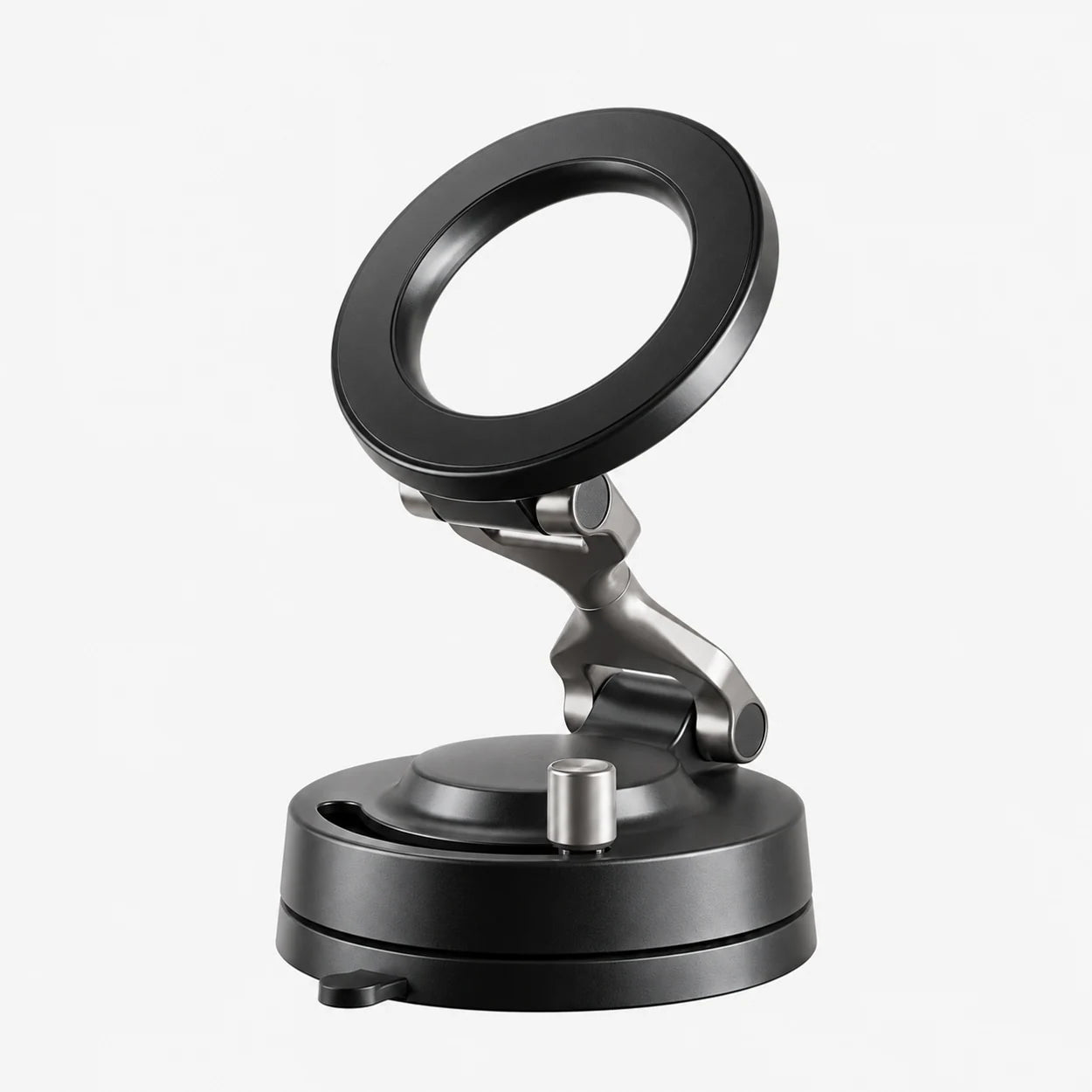
01 / The base
Press the base against a clean, smooth, flat surface and engage the suction lever.
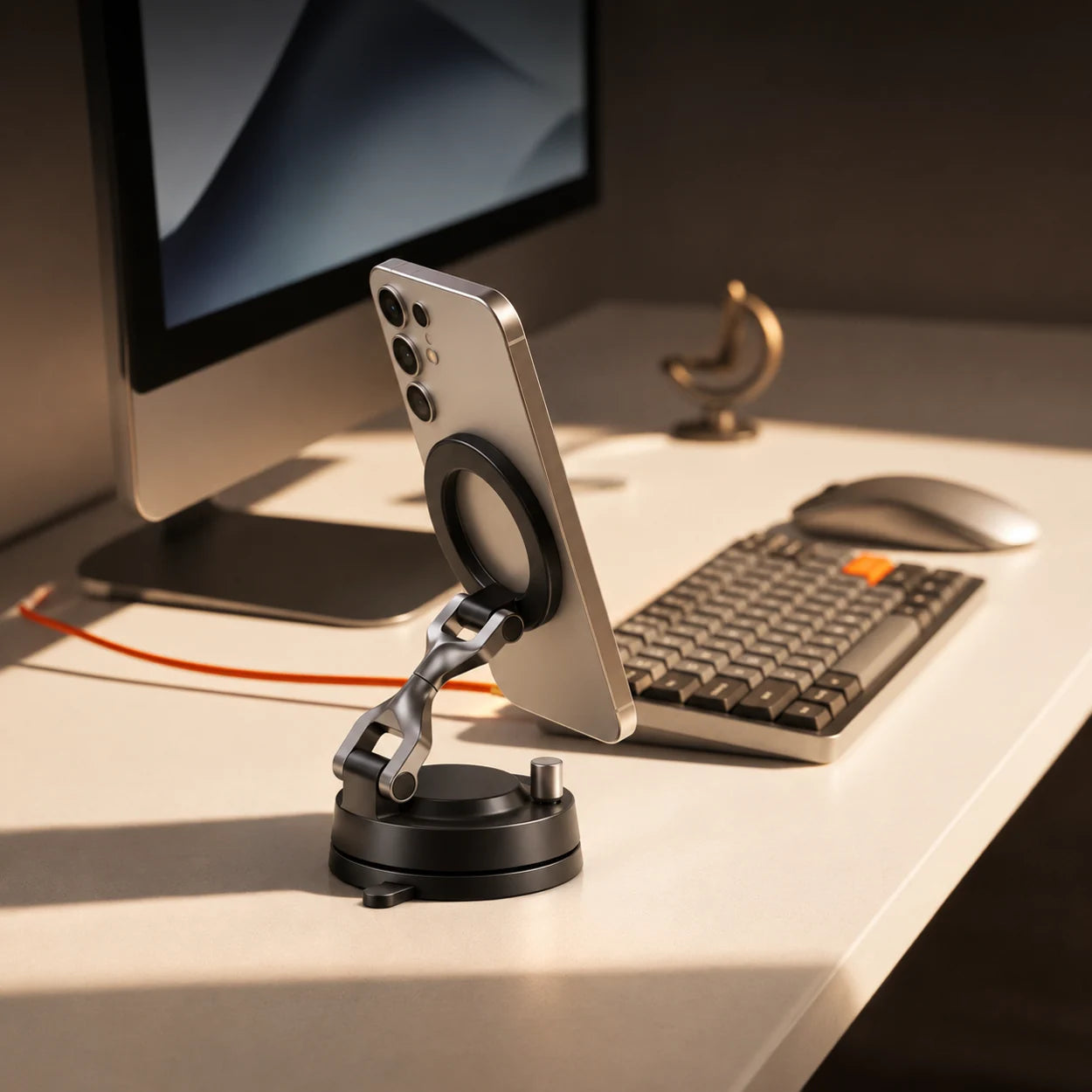
02 / The ring
Center the back of your compatible phone or case on the magnetic ring.
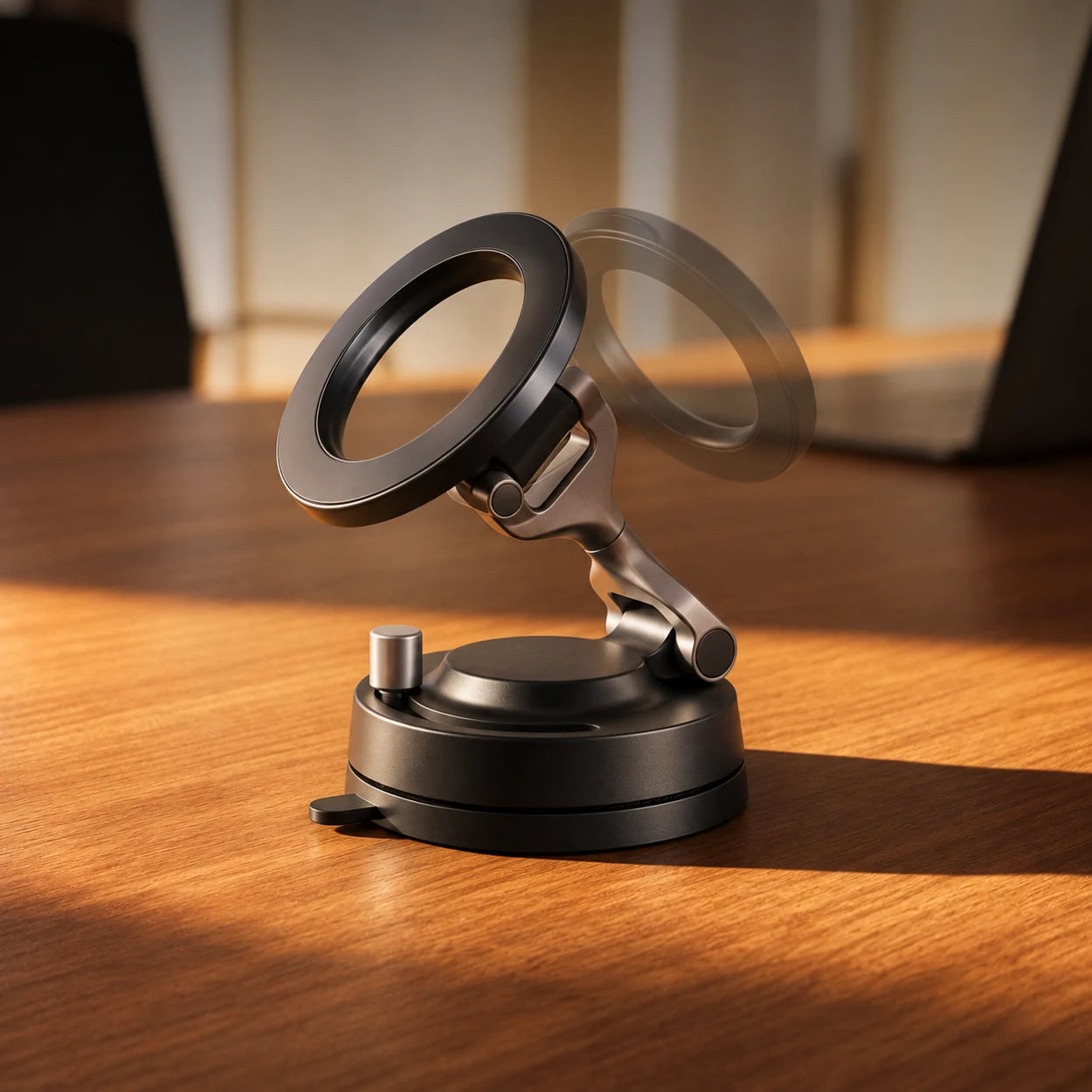
03 / The arm
Tilt the arm to position your screen. Release suction at the base when you want to move it.
Beyond the car
Keep your phone upright for calls or use the adjustable arm to frame your next clip. A second mount means you can leave one in each setup.
Compare the packsHardware details
Make it yours
Pick the pack that fits your routine. Savings are compared with buying each mount individually at $24.99.
Before you order
Check phone fit, mounting surfaces, and what comes in your pack.
A compatible phone with built-in magnets can attach directly. If you use a case, make sure its back supports magnetic mounting.
The suction base needs a clean, smooth, flat surface. A textured or curved area may not let the base seal properly.
Unlock the suction lever and use the release tab at the base to break the seal.
No cable is needed to use the magnetic mount as a phone holder.
Yes, if the surface is clean, smooth and flat enough for the suction base to seal.
Yes, if the phone itself has a compatible magnetic back. Test the fit and hold before use.
Choose one, two, or three Hyper Real Mount units. Phones and cases shown are for illustration.